The SRV-record is a type of DNS record which defines the location of servers for specific services. It is required if you use services like SIP, XMPP, CalDAV, LDAP and others.
The SRV-record has the following format:
[_service].[_protocol].[hostname]. [TTL] [class] SRV [priority] [weight] [port] [target]This is an example of an SRV-record:
_caldav._tcp.ninefortwo.be. 3600 IN SRV 0 5 80 caldav.ninefortwo.beTo find the SRV form in your control panel hosting control panel follow:
- At the top follow ‘My Products’ > ‘DNS & forwarding management’.
- In the table you will see your hosts. Click on ‘DNS & forwarding’ for the host you need to add SRV-record for.
- In the vertical menu to your left, select the ‘SRV-records’ option.
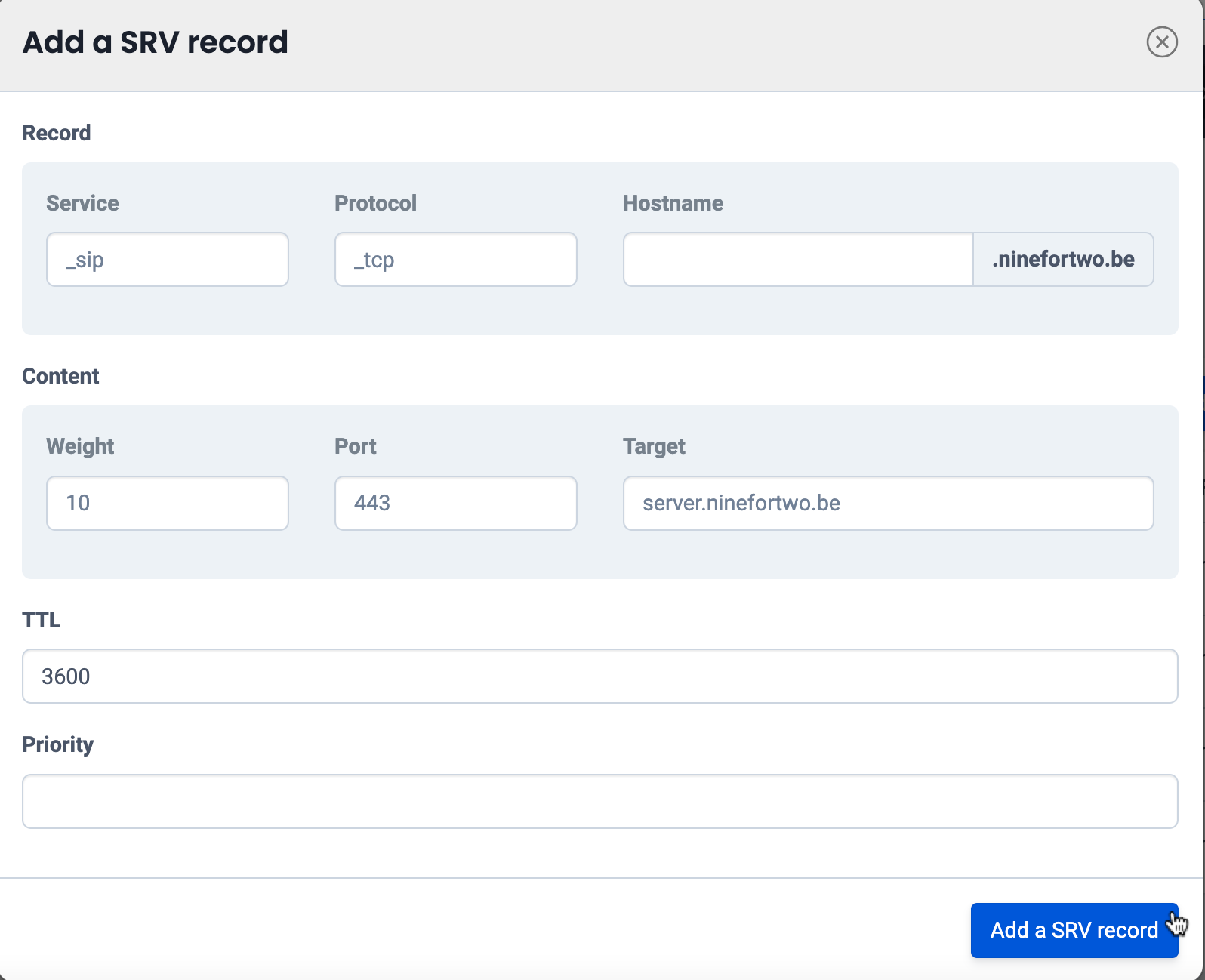
- You have to enter the following details in the SRV-record form:
- Service: _caldav
- Protocol: _tcp
- Hostname: / (leave empty: because it isn’t a subdomain => it’s a root domain)
- TTL: 3600
- Priority: 0
- Weight: 5
- Port: 80
- Target: caldav.ninefortwo.be

original number 78
updated based on the Dutch version