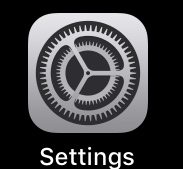
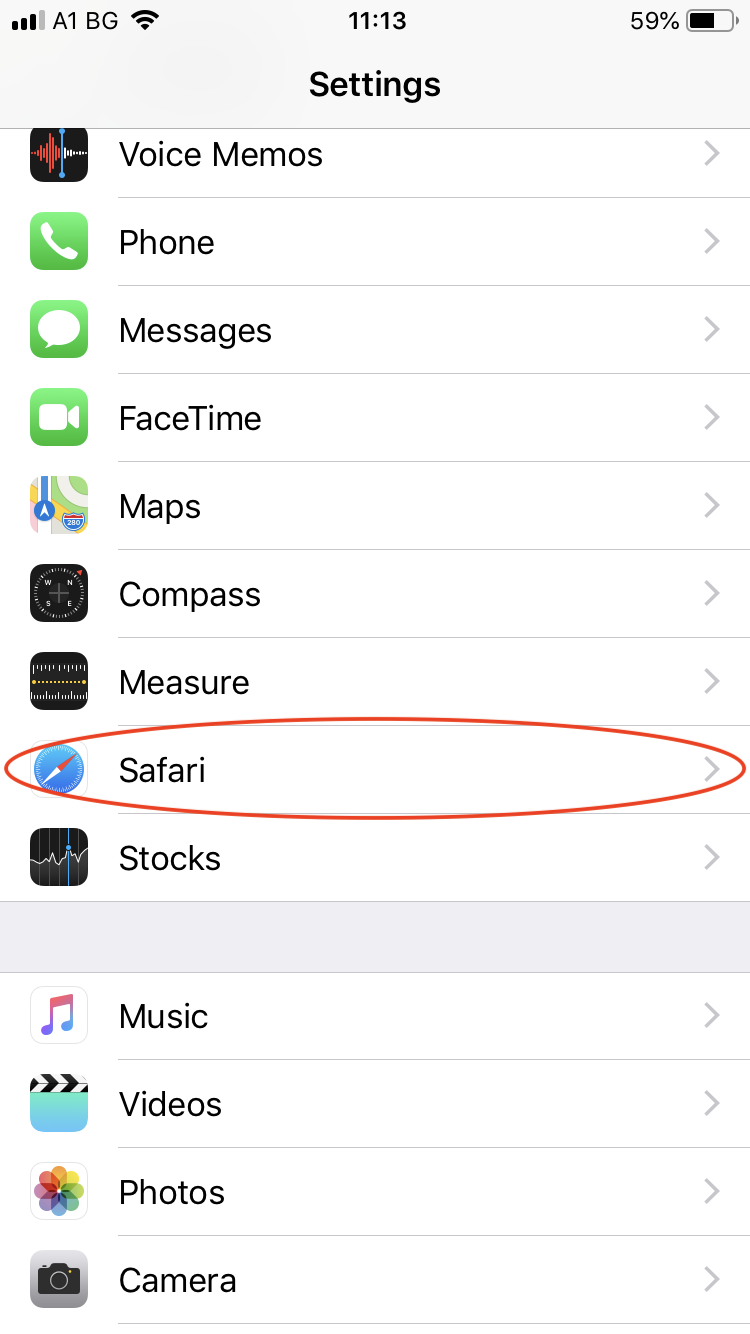
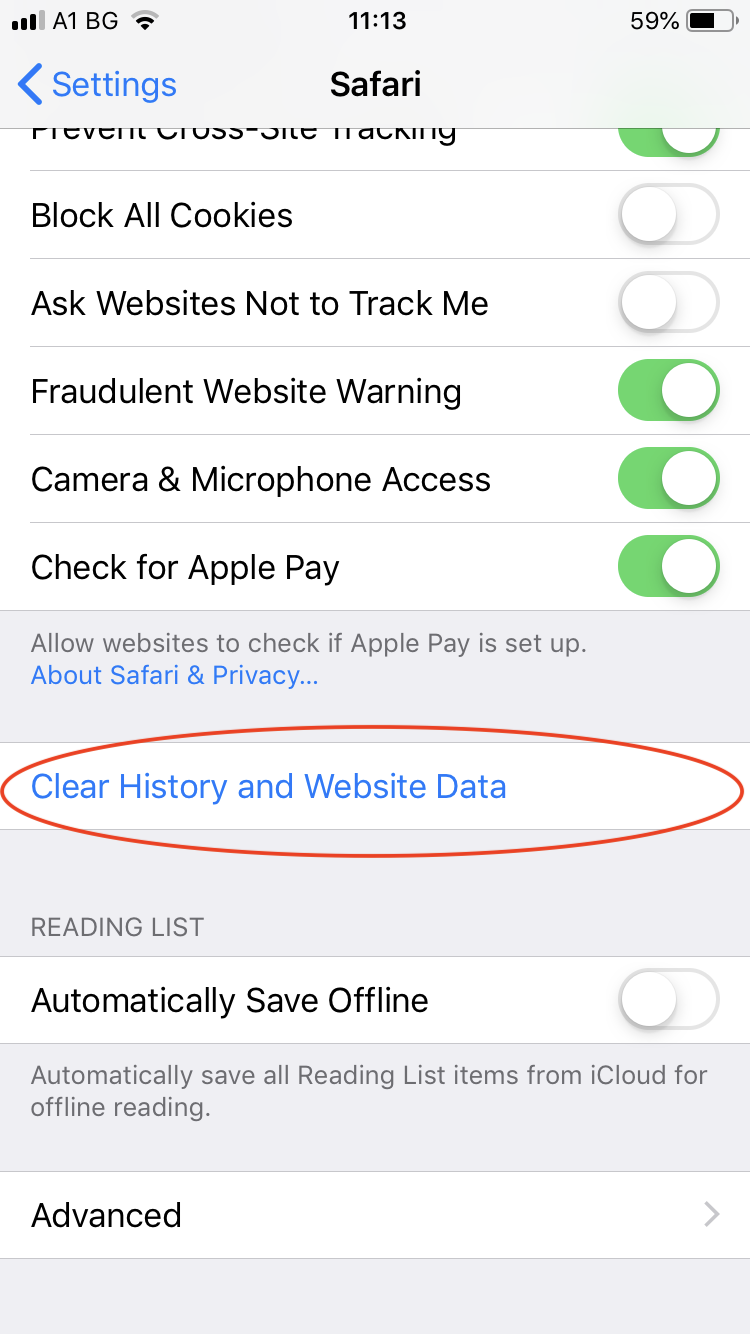
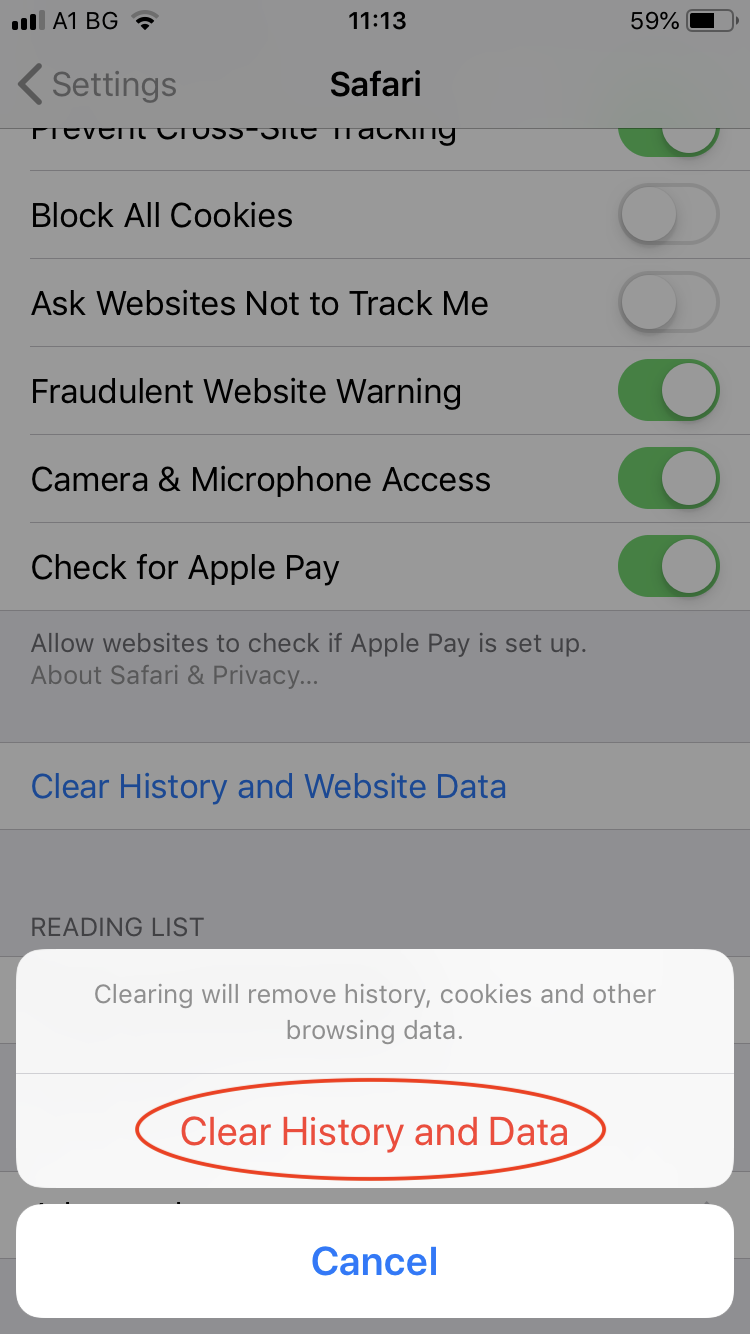
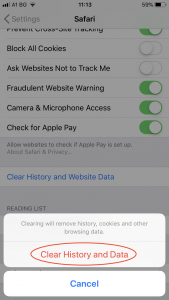
How to clear browser cache on iOS (Safari)? Open ‘Settings’. From the Settings menu, choose ‘Safari’. Go down to ‘Clear History and Website Data’ and click on it. Click on ‘Clear History and Data’. Updated on 8 June 2021 Was this article helpful? Yes No Related Articles Received spam? Help us trace the sender Nucleus becomes Combell. What will change for you? Register becomes Combell. What will change for you? How to clear browser cache on Android (Chrome)? How to erase the browser cache? How to upgrade a basic mail mailbox?