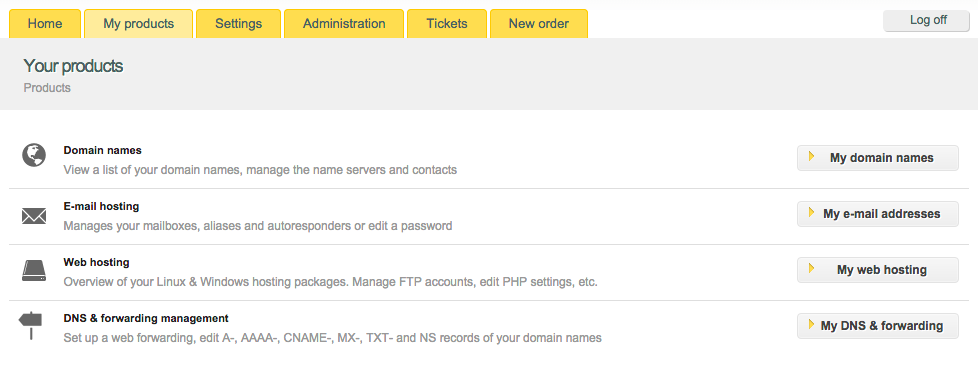
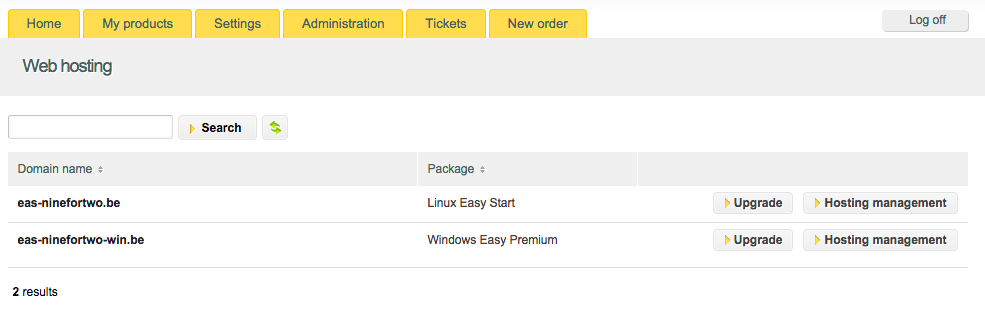
- To log in your hosting control panel follow “My Products” > “Web Hosting” > “Hosting management”.
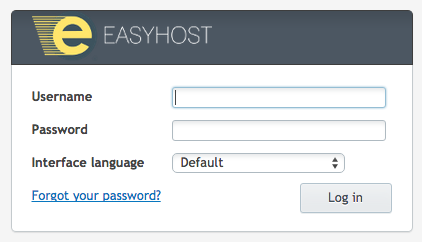
- Fill in your hosting user and password.
- If your options menu is not extended, you can open it if you click on “Show More”.

- Navigate to FTP Access. Here you can view your FTP accounts.

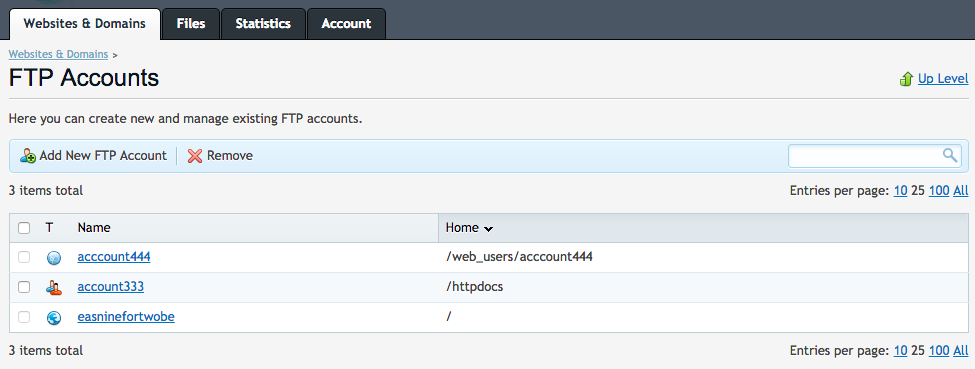
- Click on a username to edit it – the link in the “Name” column.
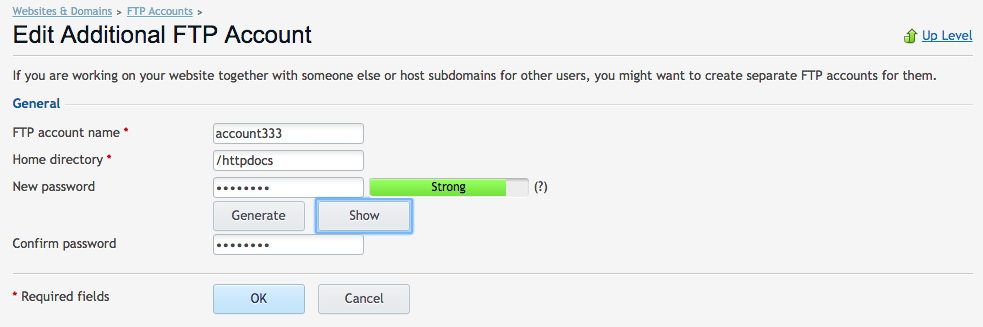
- Customize the “Home directory” field – fill in the directory path. From now on the user will only have access to this directory and its subdirectories.
- Click on “OK” to save the changes.
How do I limit the access for a certain FTP user? (home directory – Plesk)
Updated on 8 September 2020