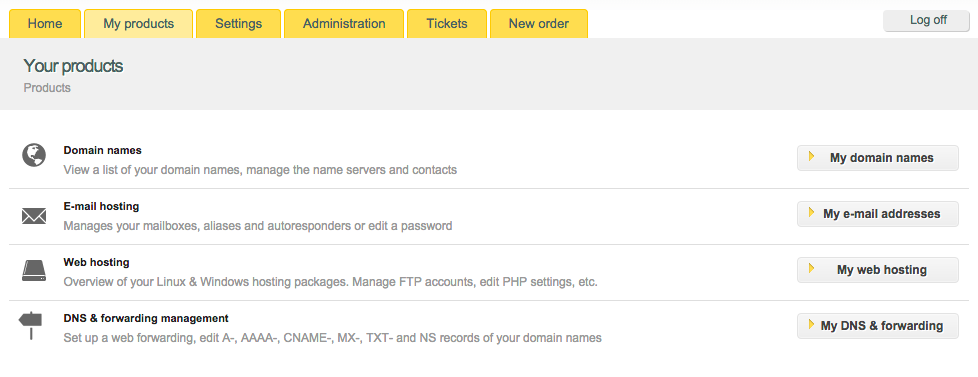
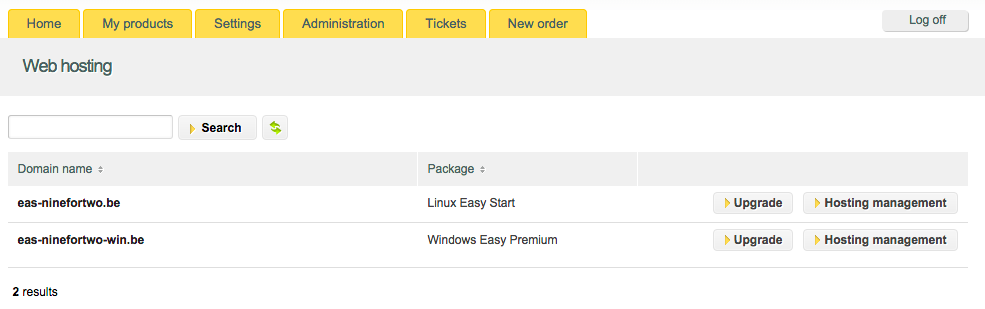
- To log in your hosting control panel follow “My Products” > “Web Hosting” > “Hosting management”.
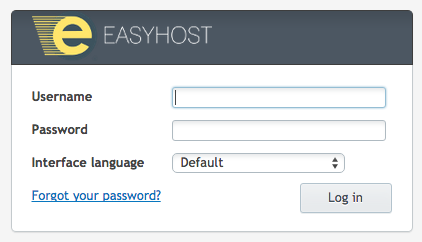
- Fill in your hosting user and password.
- Switch to the “Files” tab – you will find it at the top.

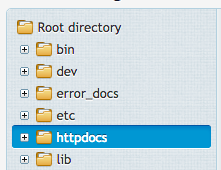
- Navigate to the httpdocs folder.
- Click on “Upload files” at the panel above.

- A Browse box will pop up. Find and select the zipped file.
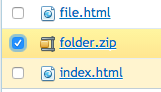
- When the upload is final, you will see the zipped file in the file list. Check the box before the file name to select it.
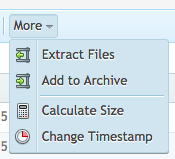
- Navigate to the top panel and click on “More” > “Extract files”.
How can I upload my site? (Upload and extract a zipped file in File Manager – Plesk)
Updated on 8 September 2020