To view your VPS statistics for disk space and traffic, follow the steps below:
- Log in your Plesk control panel.
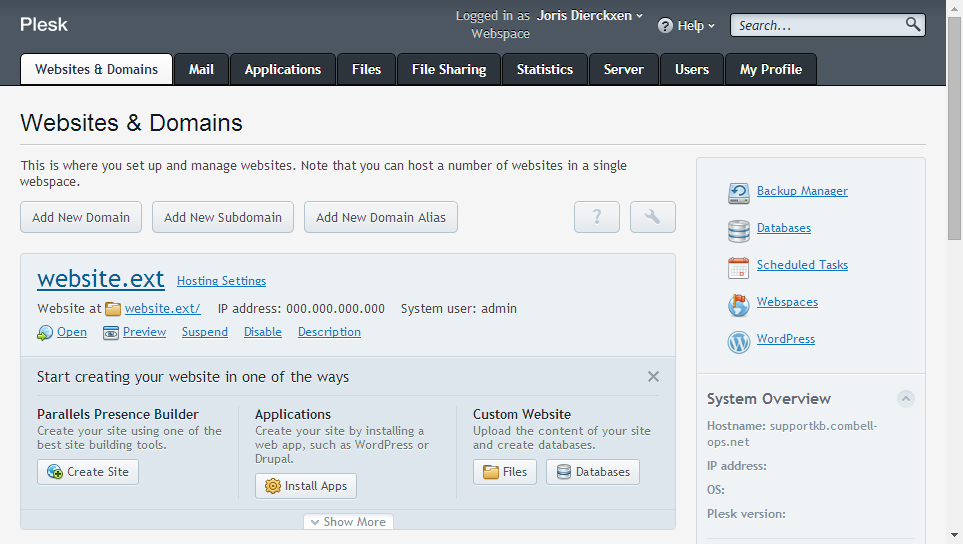
- Navigate to the horizontal menu at the top.
- Click on ‘Statistics’.
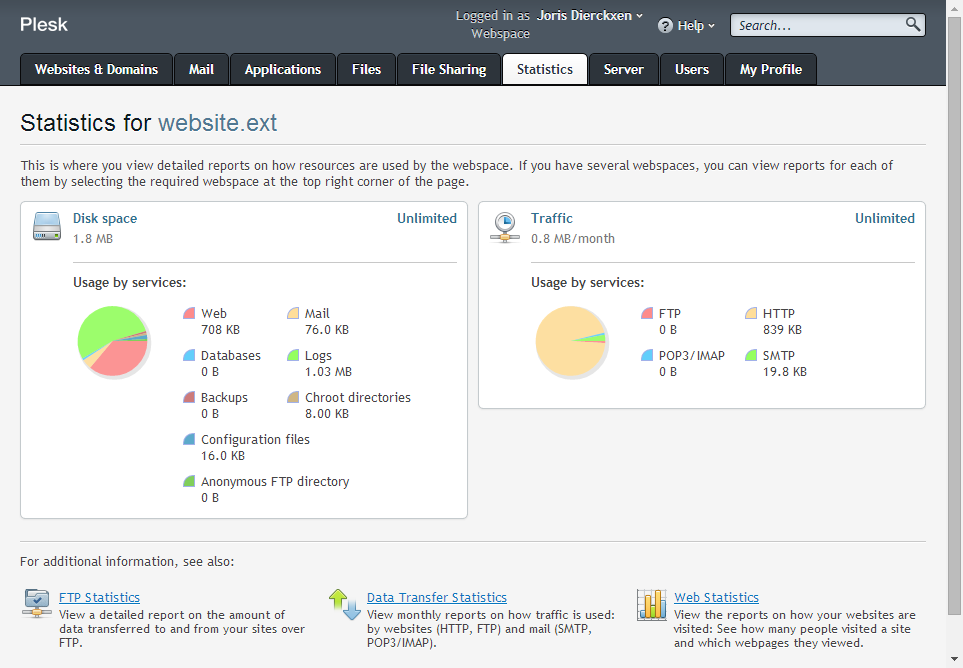
To view your VPS statistics for disk space and traffic, follow the steps below:
Comments are closed.
151