How to Add a New Page to SiteBuilder

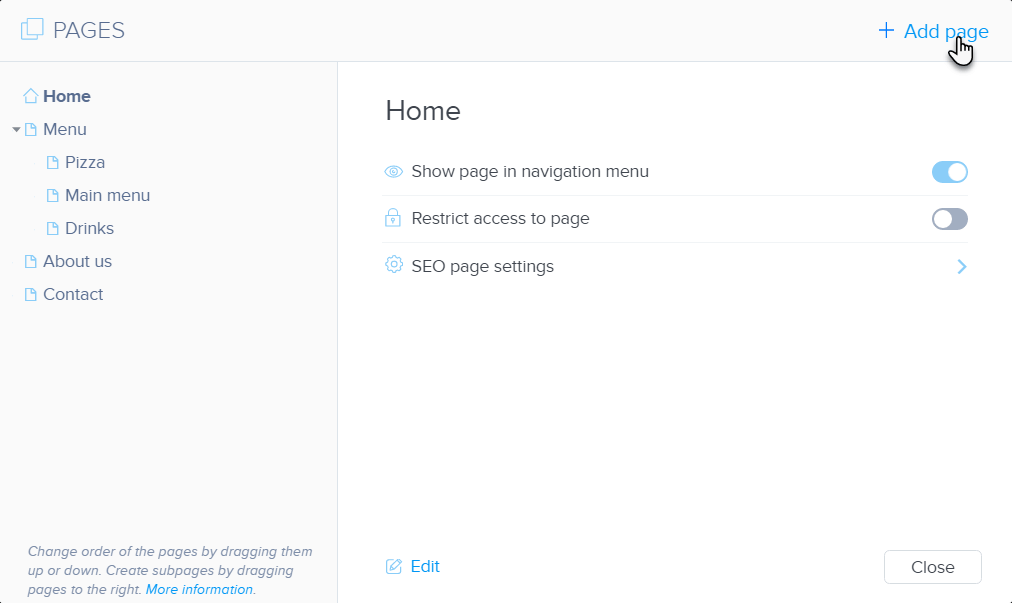
  1. Click PAGES.
  2. Click +Add page. 
  3. Choose a page template and click Choose. 

  4. Enter the page name and click Create. 
  5. Publish the changes.

How to Rename a page in SiteBuilder

  1. Click on Pages.
  2. Select the page whose name you want to change from the list. Click on its current name and enter a new one.
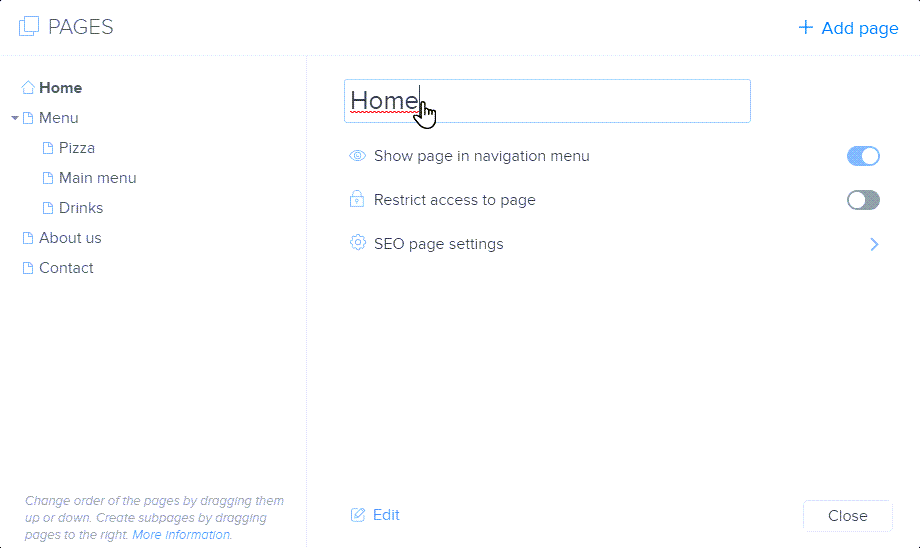
Tip: You can change the order of the pages in the page manager. You can also merge them to create a subpage. A completely new page can be created according to the instructions here.

Updated on 28 September 2022
Was this article helpful?

Related Articles